
Open the Hookshot controls menu from the title screen
| Action | Default input |
|---|---|
| Select New Game | E |
| Move on foot | W, A, S, D |
| Turn the camera | Arrow keys or I, J, K, L |
| Open the settings overlay | F1 or Insert |
| Open it with a controller | Home, or Select and Start together; a supported PlayStation touchpad click also works |
Remap one action in Hookshot controls
- Press F1, choose Controls, then open the Controls page within that tab.
- Select the row for the action and the column for Keyboard or Gamepad. Press Enter or the bottom face button, then press the new input.
- Use Escape to cancel a pending assignment. Delete clears the selected binding. If the same gamepad button belonged to another action, check both rows after the swap.
- Close the overlay and test your Hookshot controls in a menu before entering combat. Reopen the overlay to confirm your mapping.
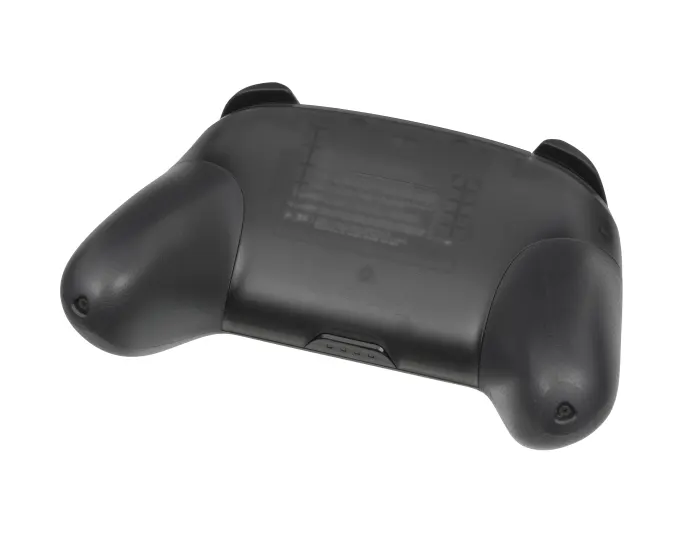
Switch Pro Controller photograph by Evan-Amos, public domain. Resized for this guide.

Fix reversed Hookshot controls or camera drift
The Hookshot controls menu offers a shortcut for swapping layouts. For confirm on the bottom button, try the Xbox/PC layout. For confirm on the right, select the Nintendo layout. A small increase in stick dead zone can help if the camera moves while the stick is physically centered. Test that one change in the same stationary scene before also changing camera sensitivity.
On a Steam Deck, check whether Steam Input is presenting a virtual gamepad or keyboard keys. A keyboard shortcut generated by Steam will be interpreted through the keyboard column. Keep one layer responsible for each remap.
Test whether Hookshot controls receive your gamepad input
Use one simple test before remapping a layout. Open the menu with F1 from the keyboard, then try to move one row with the controller's D-pad. If the controller works there but the wrong face button confirms, the game is receiving input and the layout is the next place to look. If no buttons register at all, check whether the operating system sees the controller before editing mappings.
For camera changes, test horizontal movement, vertical movement and drift separately in a stationary scene. Reverse one axis only if deliberate motion feels backwards. A camera that moves with the stick released calls for checking centering and dead zone instead. Write down the original value so the change can be reversed.
Frequently asked questions
Can I cancel a remap after selecting the wrong row?
Press Escape while the game is waiting for the new input. Then select the correct action and device column. Delete clears a binding, so use it only when you mean to remove the assignment.
Why do the in-game prompts change when I move the mouse?
The overlay reflects the input device used most recently. Set the mouse down while testing a gamepad layout and verify the action you invoke, as well as the label shown.
How do I restore my Hookshot controls?
Choose Reset to defaults on the mapping page. For a custom setup you want to keep, copy hookshot_options.ini from the game folder before testing another layout. That file holds display options too. See the official input reference and the graphics settings guide for the other overlay tabs.
Why do my Hookshot controls use the right button to confirm?
The Nintendo preset follows Nintendo button positions. Change the layout preset if you prefer bottom-button confirm, then check the prompts in a menu before making individual swaps.