
Set up a repeatable Hookshot low FPS test
Let initial shader preparation finish. Turn frame generation off, keep the cap and resolution fixed, then pass the same landmark twice at the same camera angle. Note whether the hitch disappears, repeats at the same position, or lasts everywhere. If it returns after restarting the game, record that separately from what happened during the second pass.
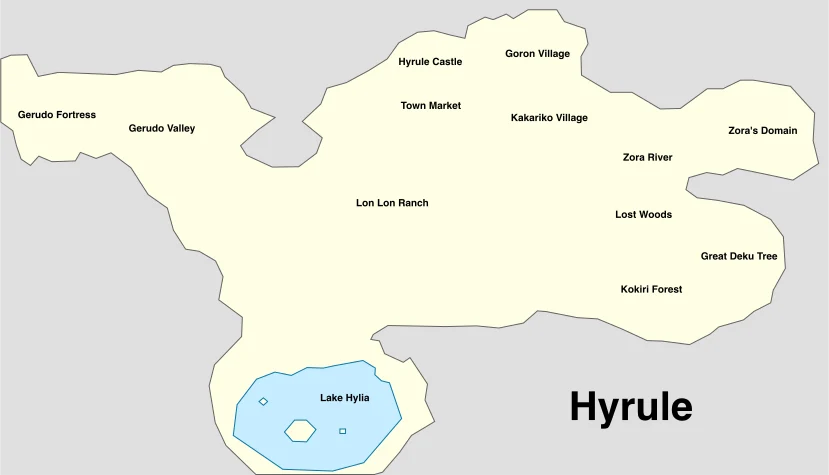
Choose a specific landmark in Kokiri Forest or Hyrule Field and record your direction of travel. This reference map depicts the original game’s geography; use your own remake save for the comparison. Map by Jesmar, CC BY-SA 4.0. English labels rendered to WebP under the same license.

Isolate one cause of Hookshot low FPS
| Result | Next test | How to interpret it |
|---|---|---|
| First pass hitches, second pass is smoother | Repeat once more in the same session | Shader or pipeline preparation is a candidate. |
| Every pass is slow | Lower render resolution only | An improvement suggests rendering cost matters in this scene. |
| Slowdown starts after adding texture mods | Disable that mod for one run | Compare graphics memory pressure as well as visible FPS. |
| Only the newer release is slow | Use identical saves and settings in separate installations | The comparison is meaningful only if the workload matches. |
Read the log from a Hookshot low FPS run
Keep a copy of hookshot_log.txt from the slow run before launching again. Look for GPU time, shader or pipeline waits and graphics-memory use relative to the driver allowance. A large allocation alone does not establish a bottleneck. Look for changes around the point where the slowdown begins and compare with the good run.
For a Hookshot low FPS report, include the release, driver, GPU, exact location, frame-generation state and whether the second pass improved. Include the two logs or short excerpts after checking them for private paths. The upstream performance checklist explains the relevant counters.
Work through a repeatable Hookshot low FPS case
Imagine that turning the camera toward the same group of trees is slow on both passes. Keep the save, camera direction, frame cap and upscaler fixed. Record the game frame rate with frame generation off. Lower only the internal render resolution and repeat the turn. If GPU time falls along with the stutter, investigate rendering cost. If it stays similar, look at shader waits and memory budgets before trying another quality preset.
A useful comparison record fits in four lines:
| Record for each run | Why it matters |
|---|---|
| Release, GPU and driver | Identifies what actually changed between runs. |
| Starting save, landmark and camera movement | Makes it possible for another player to repeat the workload. |
| Game FPS, frame cap and frame-generation state | Separates game performance from displayed frames or a deliberate cap. |
| Log excerpt spanning the slowdown | Shows GPU time, waits and each heap's allowance during the event. |
For a technical report, the maintainer documents an optional RX_VK_PASS_TIMING=1 diagnostic run. Keep the ordinary log for the frame-rate comparison; measuring individual passes adds overhead. Remove the option after collecting that extra log.
Frequently asked questions
The counter stays exactly at the same FPS in every scene. What should I check first?
Check the configured game frame cap and whether the counter includes generated frames. If you are measuring a cap, lowering image quality may leave the number unchanged even when the GPU has more headroom.
Why include a log when a screenshot already shows low FPS?
A screenshot records one displayed value. A short log interval can show whether the renderer waited for pipelines or exceeded a driver's memory allowance as the drop began. Pair it with the scene and camera movement.
Should I turn on frame generation to fix low native FPS?
It can improve displayed motion but makes the displayed rate unsuitable as your native baseline. Diagnose the original frames first, then compare your preferred graphics settings. If the scene freezes and the window closes, switch to black-screen troubleshooting.
Which logs help compare a Hookshot low FPS run with a good run?
Keep its log, release tag and a note of the exact scene. They give you a comparison if the same route slows down after a driver or game update.